
Claude's Calendar Connector Works. Unless You Have Two Calendars.
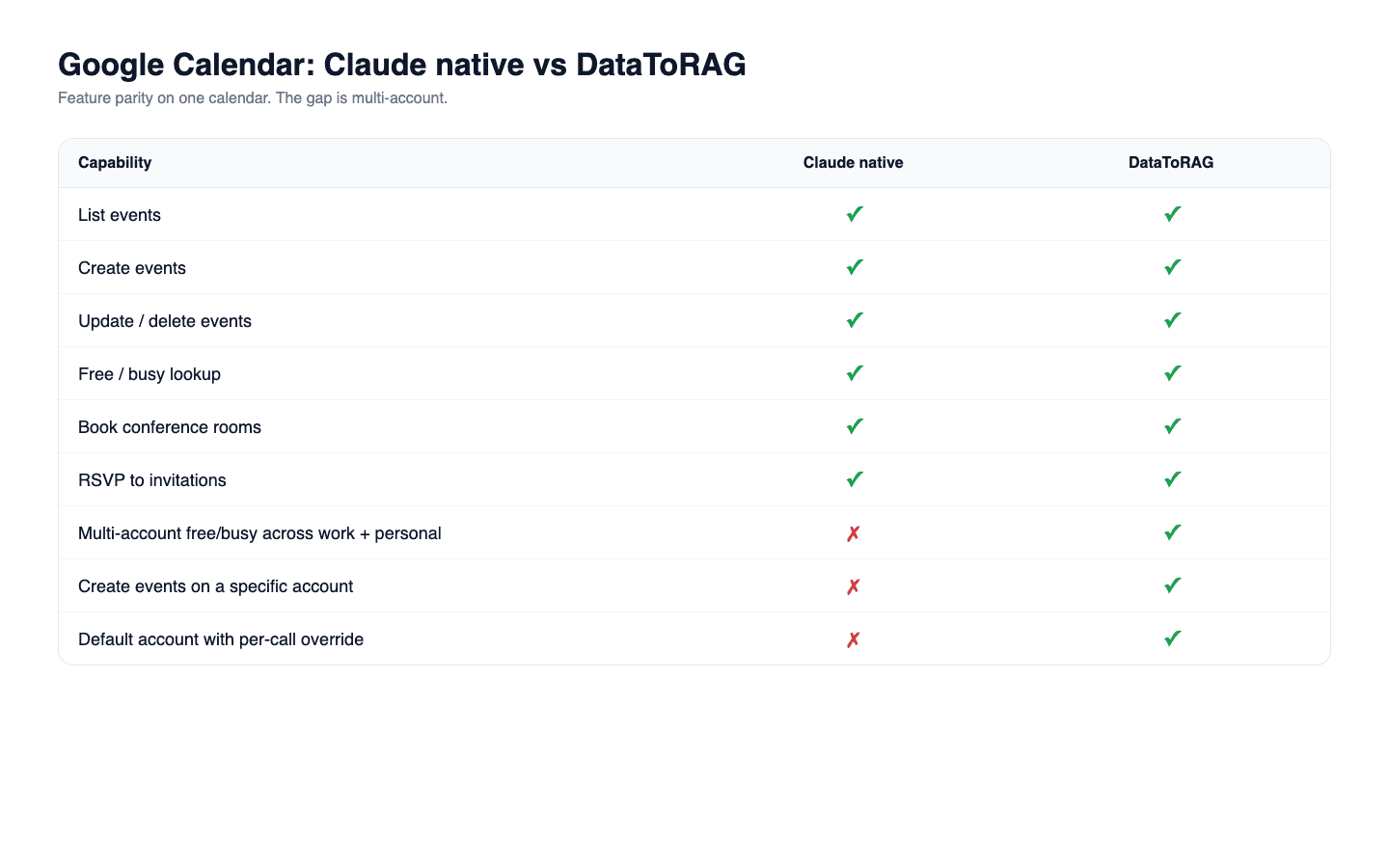
Short answer: on one Google account, Claude's native Calendar connector is the better tool, and it is not close. It creates, updates and deletes events, suggests meeting times across attendees, lists your other calendars, and RSVPs to invitations. We do not ship those last three, and where we both search, its search understands what you meant while ours matches the words you typed. What it cannot do is hold two accounts at once, which is the whole reason this post exists.
I'll give Claude credit, and more of it than this post gave when it went up. The native Google Calendar connector is the most feature-complete piece of the Workspace integration. Enumerating its tools on August 11, 2026: it creates events, updates them, deletes them, searches your calendar in plain language, suggests free slots across a set of attendees, lists every calendar you have access to, and responds to invitations with an accept, a decline or a maybe. Its event search is semantic, so it answers "the review with the design team" without you naming the event. Since Claude Code v2.1.46 (February 2026), the same connector works inside Claude Code too.
So what's the gap?
It's a one-calendar gap. It is the only one, and everything below is an honest account of what that costs on each side.
Claude's Google Workspace connector authenticates to a single Google account per integration. If you're a person who has two Google Calendars that you actually use (one work, one personal), Claude sees one of them. Not both.
That sounds niche. It isn't. Anyone who does freelance work while employed, anyone who runs a side project, anyone whose life is partitioned along work boundaries has two calendars. When they say "find a time next Tuesday," the correct answer is the one that considers both.
Feature comparison
Both tool surfaces enumerated August 11, 2026. Where a row says No for us, it means the tool is not on our wire today, not that it is impossible.
| Capability | Claude native Google Calendar | DataToRAG Google Calendar |
|---|---|---|
| List events | Yes | Yes |
| Create events | Yes | Yes |
| Update events | Yes | Yes |
| Delete events | Yes | Yes |
| Add a Google Meet link | Yes | Yes |
| Find when people are free | Yes, as suggested slots | Yes, as raw busy blocks |
| Search your calendar by keyword | Yes | Yes |
| RSVP to an invitation | Yes | No |
| See which calendars you have | Yes | No, you pass the calendar ID |
| Recurring events | Yes | No |
| Book a room as a bookable resource | Yes | No, the room name goes in the location text |
| Attachments, custom reminders, guest permissions | Yes | No |
| Free / busy on work and personal, with no calendar sharing | No | Yes |
| Create an event on a specific account | No | Yes |
| Default account with per-call override | No | Yes |
| Works inside Claude Code | Yes (v2.1.46+) | Yes |
That table used to read as a wall of matching Yeses with a multi-account section bolted on the end, which was wrong twice over: it claimed RSVP for us, which we have never shipped, and it flattened a real depth difference into parity. On one calendar the native connector is simply the richer tool. We would rather say so than have you find out by asking Claude to RSVP through us.
What multi-account support looks like
Our Calendar surface is deliberately narrow, six tools that cover the core of the job:
calendar_list_eventscalendar_get_eventcalendar_create_eventcalendar_update_eventcalendar_delete_eventcalendar_freebusy
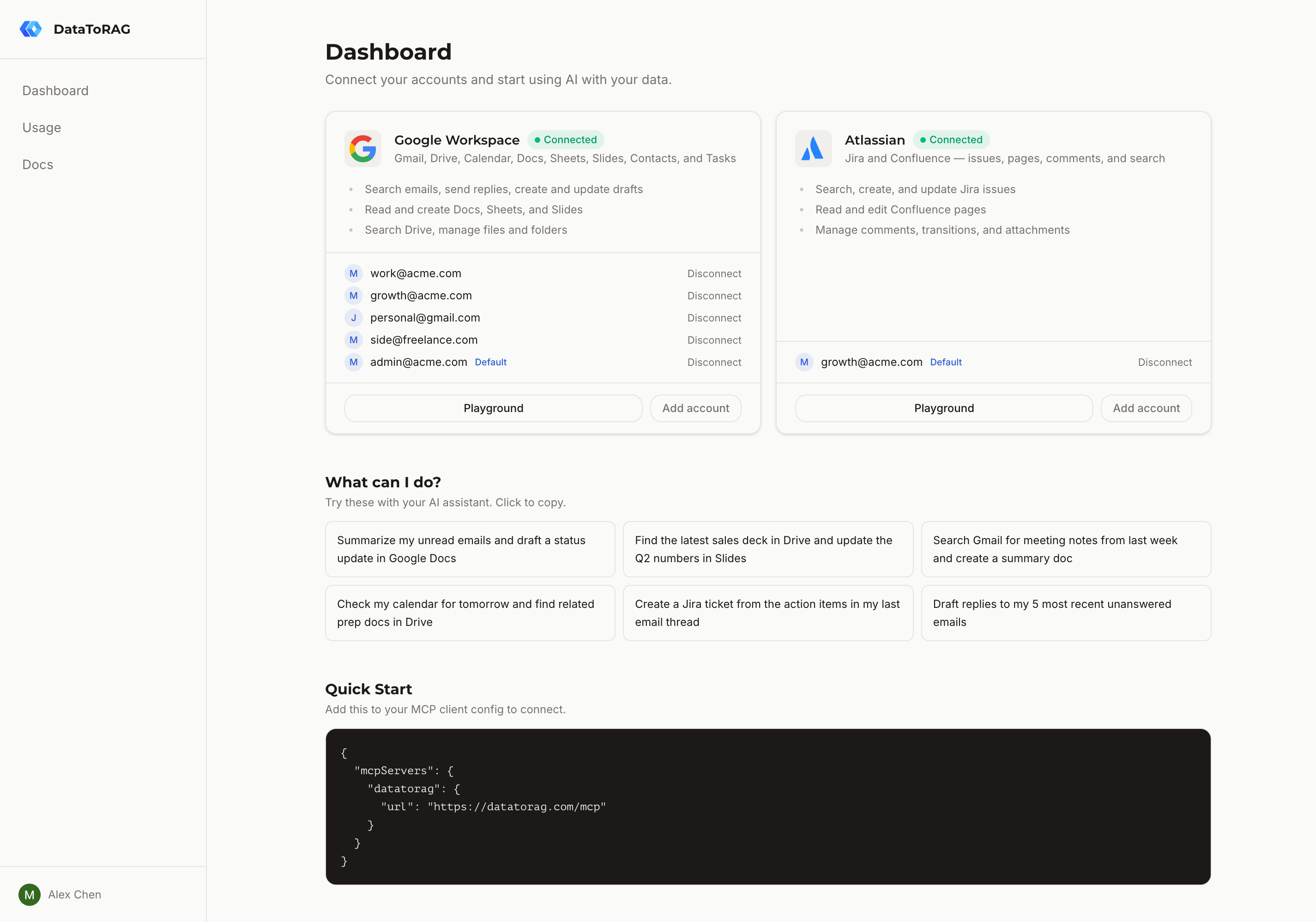
Every one of those tools accepts an optional account parameter. At the gateway level we store multiple Google account tokens per user and route each tool call to the right one. You can:
- Connect
[email protected]AND[email protected]under one MCP endpoint. - Run
calendar_freebusyon each account and read the results together to find a genuinely free slot. - Create an event on one calendar without touching the other.
- Set a default and still override per call.
The architecture behind this is described in a previous post on multi-account for MCP. The short version: separating auth (tokens) from identity (which account this call goes to) means the plugin itself doesn't know multi-account exists. It just receives a token and does its job.
When Claude's native connector is the better choice
If you have exactly one Google account that holds your whole calendar life, use the native connector. Not "it's fine" as a consolation: on that one account it does more than we do. It suggests times across a group, RSVPs for you, searches by meaning rather than by keyword, and handles recurrence, rooms and attachments we do not touch. The only question worth asking is whether your scheduling picture is complete with one account.
The edge case that isn't edge
Run this exact prompt on the native connector: "Find a time next Thursday when I'm free on both my work and personal calendars, then book a dentist appointment at that time."
The native connector answers from the one account it is connected to and misses conflicts on the other. The appointment gets booked on top of a conflict.
One honest caveat, because it applies to a lot of people: the native connector lists every calendar the connected account can see, so if you have shared your personal calendar into your work account, it will find it there. That is a per-calendar arrangement you have to set up and that plenty of Workspace domains restrict, and it gives you the other calendar's events rather than the ability to act as the other account. If sharing covers your case, it covers it, and you do not need us for this.
With DataToRAG connected to both accounts, calendar_freebusy can be run against either
one, and your assistant reads both answers together. The difference is not that one call
does the merge, it does not: it is that both accounts are reachable through a single
endpoint, so neither has to share its calendar with the other to be seen.
Try it
If you only have one Google account, stay on Claude's native connector. If you have more than one and they both matter, connect them at datatorag.com/dashboard.
Ready to connect your data to AI?
Give Claude write access to your Google Workspace. Start free, or talk to us about your setup.
Related articles
Google shipped eight official Workspace MCP servers. Claude has three native connectors. We host one endpoint. Every tool on all three, enumerated on August 24, 2026, including the surprise: Google's own Gmail MCP cannot send email.
Every Way to Connect Claude to Your Google Workspace, Compared (2026)Native connectors, Zapier MCP, Composio, Pipedream, a self-hosted open-source server, or DataToRAG. What each one really does with your Google data, and how to pick the right one.
We Said Claude Couldn't Send Email. It Can Now.This post used to argue that Claude's native Gmail connector drafts but never sends. As of August 24, 2026 that is wrong: it sends, replies, and forwards. Here is the corrected comparison, and the two rows that are still ours.