
When Google Says Not Found, Your Agent Now Gets Something to Act On
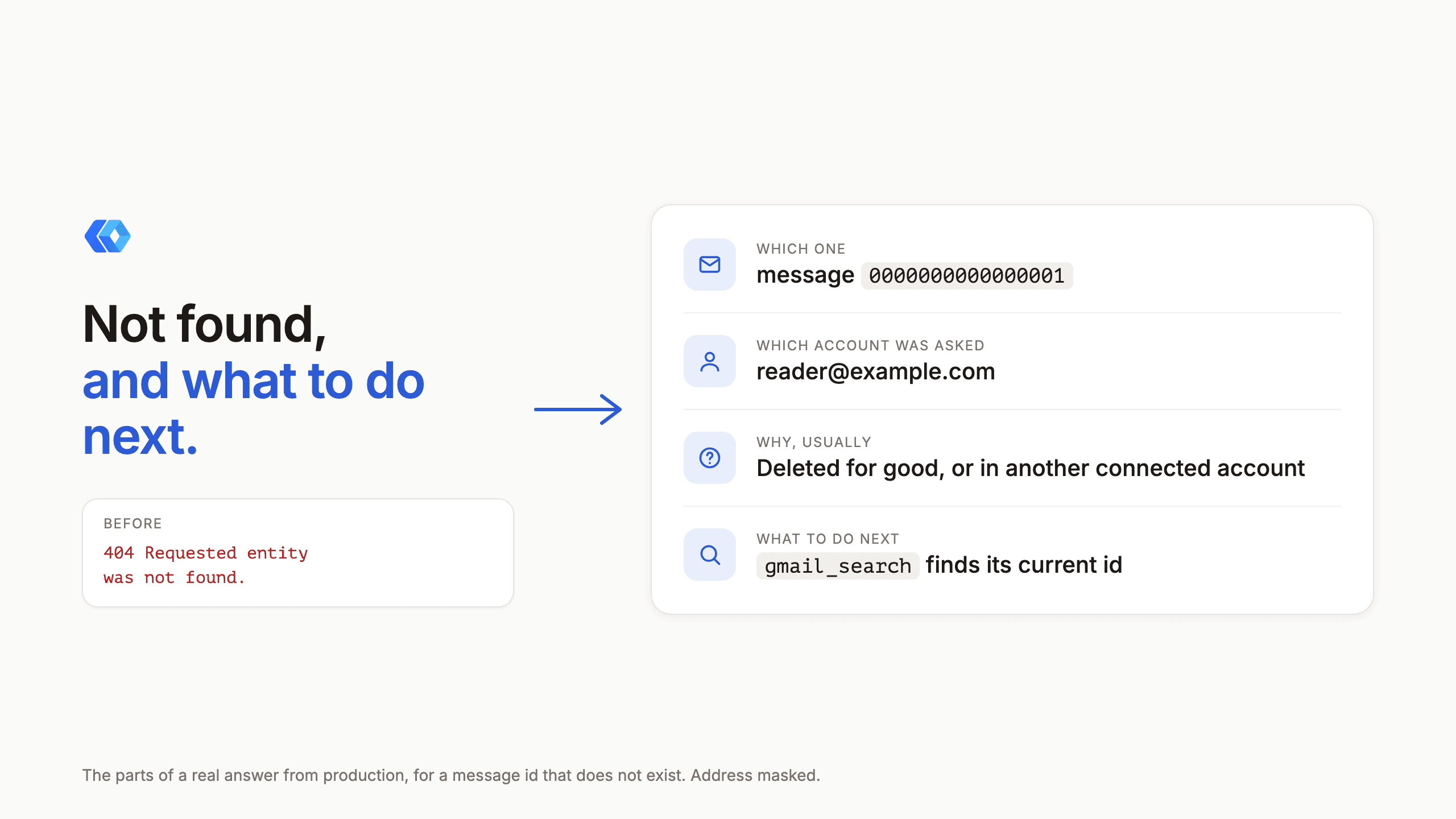
I read our error record this week. Tool calls that failed on our side: none. Tool calls that failed because of something in the request: a handful, and most of them were the same one. An agent asked Gmail for a message, Google could not find it, and what we handed back was this:
API error: {"error":{"code":404,"message":"Requested entity was not found.","reason":"notFound"}}
That is Google's answer, passed through untouched. It is accurate and it gives an agent nothing to do. Which id was it? In which mailbox did we look? Is the message gone, or is it somewhere else? The agent that hit it tried again on a later day and got the same sentence.
What the answer says now
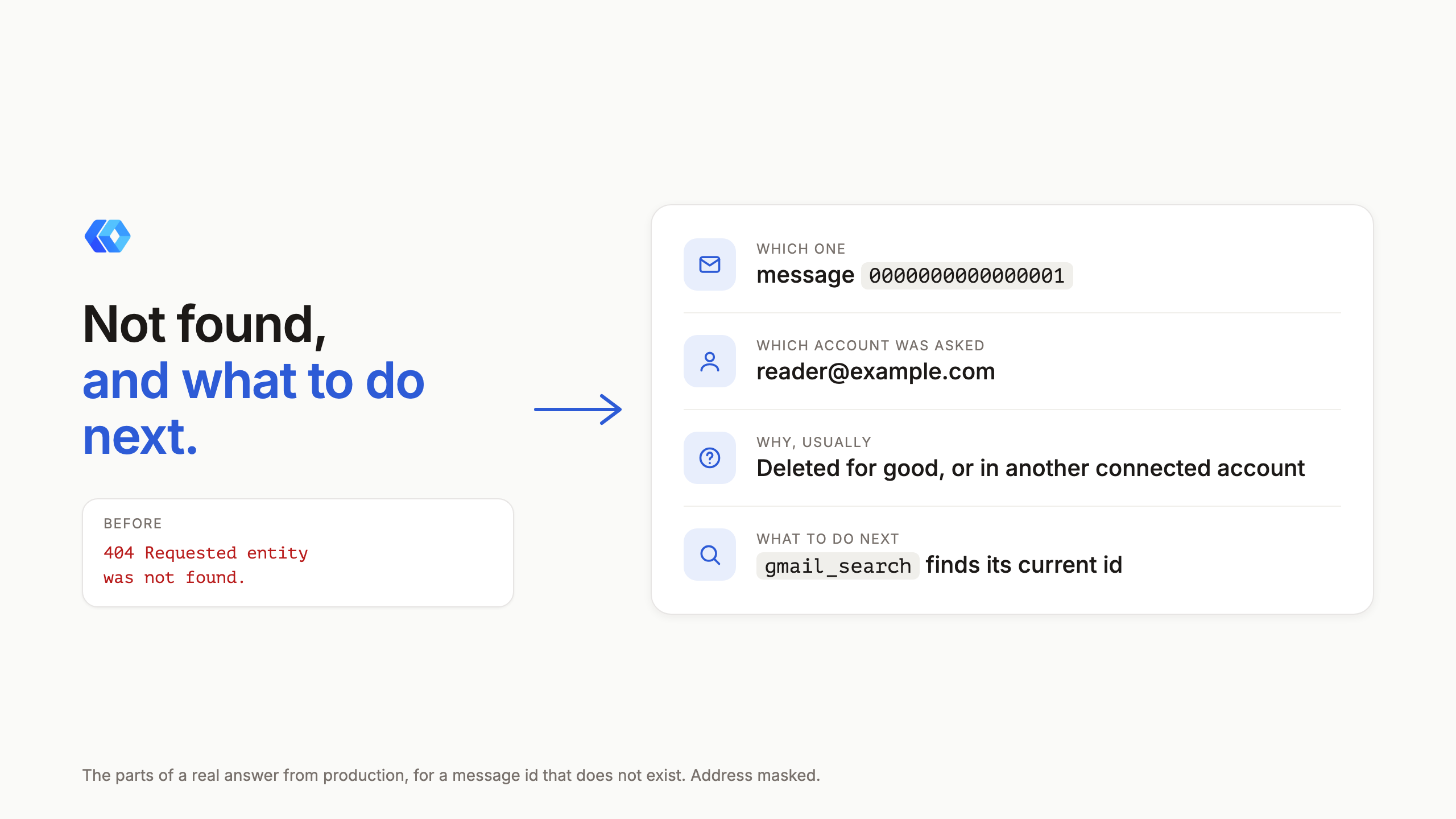
The same call on production today, for a message id that does not exist:
Gmail has no message with the id 0000000000000001 in [email protected]. It may have been
deleted for good, or it may belong to another connected Google account. gmail_search finds a
message's current id. The account argument reads from another mailbox, and
list_connected_accounts names the connected accounts.
It has four parts: which item, which account was asked, why that usually happens, and which tool finds it again. Google's own code and reason follow at the end, for anyone debugging.
The account matters more than it looks. Plenty of people connect two Google accounts, and an id copied from one mailbox is a 404 in the other. The old answer could not tell you that was a possibility. We look up which mailbox was asked only after a miss, so a call that succeeds costs nothing extra.
The reasons are different for each kind of thing
A draft does not go missing the way a message does. It stops existing once it is sent or deleted, so the answer says that and points at gmail_list_drafts. An attachment id is stranger: Gmail issues a new one each time a message is read, so an id from an earlier read can stop working. That answer says so and points back at gmail_read, which lists the current ids.
The rest of Google Workspace gets the same treatment, with reasons that are true for each service.
| Asked for | Likely reasons the answer gives | Tool it points at |
|---|---|---|
| A Drive file or folder | Deleted for good, not shared with this account, or in another account. A file in the trash is still found | drive_search |
| A Doc, Sheet or Slides deck | Deleted for good, not shared with this account, or in another account | drive_search |
| A calendar event | Deleted, on another calendar, or in another account | calendar_list_events |
| A contact | Deleted, or in another account | contacts_search |
| A task list | Deleted, or in another account | tasks_list |
The wrong kind of id
Some misses are a mix-up, and Google's answer for a mix-up is the same 404.
Give the thread tool a message id and it now says so: that is a message id, here is the thread it belongs to. Give a Sheets tool the id of a Google Doc and the answer says it is a Doc, and which tools open it. In both cases we only say it when Google itself confirms what the id is.
Two mix-ups we cannot catch. A thread's id is the same as its first message's id, so reading a thread id as a message quietly returns the first message, and nothing tells that apart from someone who wanted the first message. And a folder id given to a Docs tool gets a generic "invalid argument" from Google that other mistakes, such as a bad range, also produce. That one keeps Google's words.
Tasks is the odd one. It answers a missing list with a 400, "Invalid task list ID", where every other service answers 404. We treat exactly that message as a miss and leave every other 400 from Tasks alone, because the same code covers other mistakes too.
What it does not do
It does not go looking in your other accounts. If a message is not in the mailbox that was asked, the answer says another account is a possibility and names the tool that lists them. Reading a second mailbox is a choice for you and your agent, and I do not want the tool making it.
The test that was wrong
The first version shipped with a test that read a made-up message id on production and checked the new wording. The fix worked. The test failed.
The made-up id was not in Gmail's id format, so Google answered "Invalid id value" before it ever looked for a message, and our new handler never ran. We had checked the wording against a different id and a saved copy of Google's response, never the test's own id against a real mailbox. Both were corrected in the next release, twenty-four minutes later: the test reads an id Gmail does look up, and "Invalid id value" has its own answer now, saying the id is not in Gmail's format and where a real one comes from.
Every test case added after that had its own id run against a real account before it was merged. With the corrected one there are eight, one per service, and they all pass on production.
The two changelog entries have the short version, and the Gmail docs list the tools. If your agent gets an error from us that leaves it with nothing to do next, tell me what it said.
Ready to connect your data to AI?
Give Claude write access to your Google Workspace. Start free, or talk to us about your setup.
Related articles
Our Google Workspace connector has always had an escape hatch: a tool that sends one raw request to any Google API. We looked at what it was actually being used for. Most of it was the same few jobs, and a third of it was jobs we already had a proper tool for. So nine of those jobs got a tool of their own, and the escape hatch has gone behind a door.
Read a Whole Gmail Thread in One Call, and How We Knew to Build ItAn agent that wants a whole email conversation used to get it one message at a time, or by going around us to Google's raw API. Our usage record showed the second one happening, so there is now a tool for it: every message of a thread, oldest to newest, in one call.
The Gaps in the Comparison Table Were Ours. They Are Closed.Our home page compares Claude's built-in Google and Atlassian connectors with ours, row by row. Ten of those rows said the built-in connector could do something we could not. As of October 19 they say Yes on both sides, and the table now only shows what is left: what we do that they do not, and three things that are still theirs.