
Read a Whole Gmail Thread in One Call, and How We Knew to Build It
A month ago I wrote that we had read what people used the raw API call for and built nine tools from it. In that post I said there was nothing left that an outside user needed the raw call for. That was wrong, and the same record showed me where.
What the record showed
Our Google Workspace connector has a tool called gws_run that sends one raw request to a Google API. It is hidden from almost every account. For the few that still see it, we record which API resource and method each raw call used, and the names of its parameters. Names only, never values.
This week one of those accounts was asking Gmail for whole threads through the raw call, many times a day, from Claude Code. The method was users.threads.get.
I checked what we offered instead. gmail_read takes a message id and returns one message. A thread id was accepted for trashing a conversation and for labeling one, and by nothing that reads. An agent that wanted the whole conversation had two choices: call gmail_read once per message, or go around us. It went around us, which is the faster of the two.
The tool
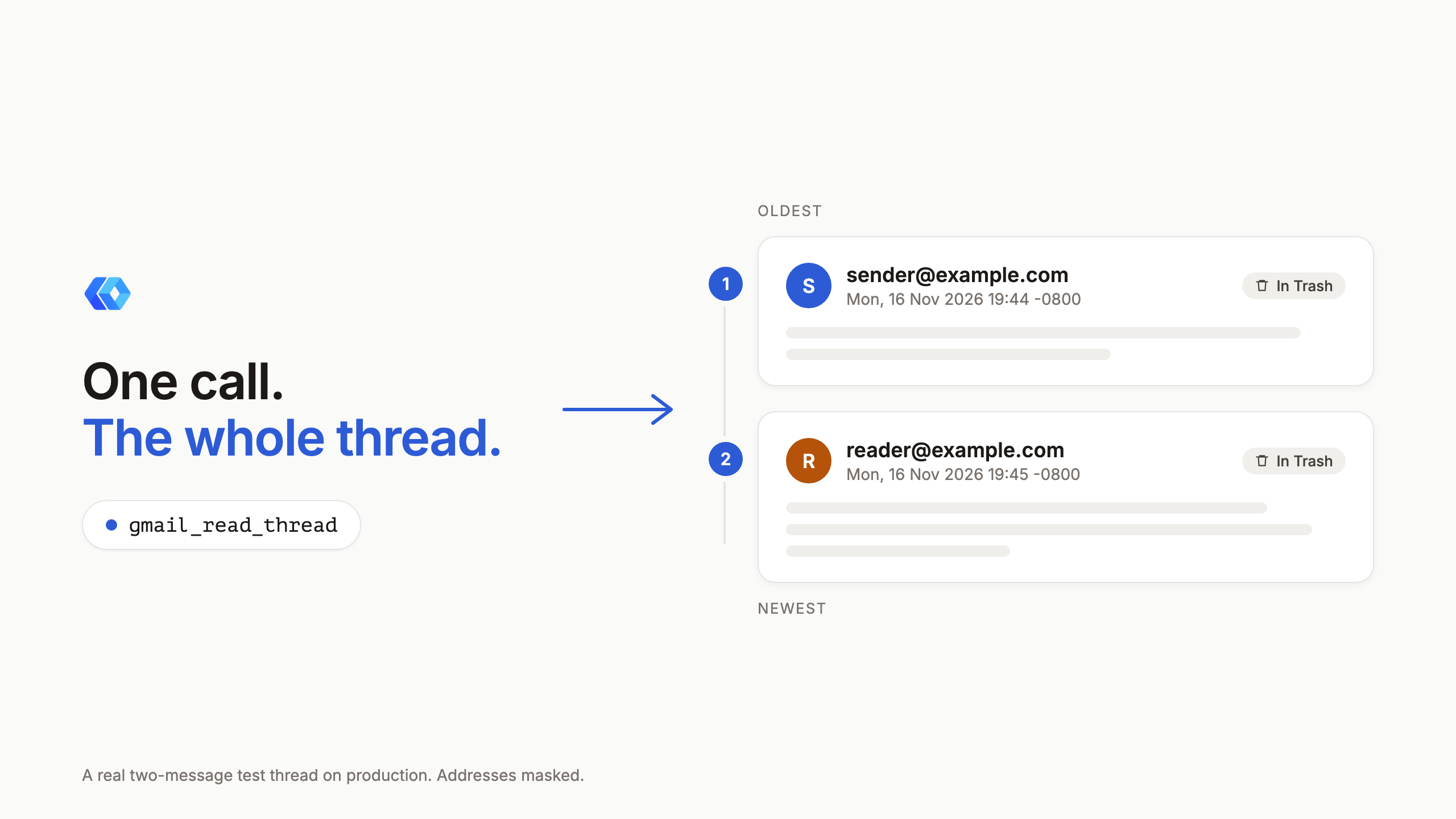
gmail_read_thread takes the thread id that gmail_search, gmail_list and gmail_read already return, and answers with every message in the conversation, oldest to newest, in one call.
It has two depths.
full, the default, gives each message's from, to, cc, subject and date, its text body, and its attachments with the part idsgmail_get_attachmenttakes.headersgives the same headers and Gmail's snippet with no body. That is the cheap look at a long conversation before reading the messages that matter.
Drafts and messages in Trash are part of the answer, each marked. I would rather an agent see a trashed message and know it is trashed than have the tool decide the message does not exist.
Long threads
A thread with a hundred replies may not fit in one answer, and cutting it off wherever the size limit lands would drop the newest messages, which are usually the ones being asked about.
So the bodies in one answer are held to 200,000 characters together, and the newest are kept first. When a thread runs past that, the oldest messages keep their headers and lose their bodies, and the answer says so: a left_out list with those message ids, each readable in full with gmail_read. max_body_chars cuts each body before the total is applied, for an agent that wants a little of everything.
Nothing is dropped without the answer naming it.
Why a new tool and not an argument on the old one
We could have added a thread_id argument to gmail_read. We did not, for two reasons.
An agent holding a thread id looks at tool names first. A tool with "thread" in its name gets picked. An extra argument on another tool is invisible until the agent reads that tool's schema, and the raw calls are the evidence that it did not.
The second reason is the check we run before any call reaches Google. gmail_read requires a message id, and the gateway refuses a call without one. Making that optional to let a thread id in would have loosened the check for every existing call.
The descriptions of gmail_search, gmail_list and gmail_read now say where a thread id goes, and gws_run points at the new tool for this job.
What the record could not tell me
The same account made a few raw calls for single messages with a format parameter. We record that the parameter was there and not what it was set to, so I do not know whether the agent wanted the raw message, the headers alone, or something gmail_read already returns. Nothing was built for it. If the next read of the record shows it again, I will ask.
That limit is deliberate. A record that kept values would hold search queries and message ids, and I would rather be short a fact than hold those.
Shipped the same day
The gap went from noticed to live on production in one day: the tool, its registry row, the docs, and a test that reads a two-message thread on production at both depths and checks the order. The test passed on its first run.
The changelog entry has the short version, and the Gmail docs list the tool with the rest. If your agent still reaches for something we do not have a tool for, tell me what it was.
Ready to connect your data to AI?
Give Claude write access to your Google Workspace. Start free, or talk to us about your setup.
Related articles
An agent that asked for an email Google could not find used to get Google's bare 404 back, and nothing to do next. Now the answer says which item, in which of your accounts, why that usually happens and which tool finds it again, across Gmail, Drive, Docs, Sheets, Slides, Calendar, Contacts and Tasks.
We Read What People Used the Raw API Call For, and Built Nine Tools InsteadOur Google Workspace connector has always had an escape hatch: a tool that sends one raw request to any Google API. We looked at what it was actually being used for. Most of it was the same few jobs, and a third of it was jobs we already had a proper tool for. So nine of those jobs got a tool of their own, and the escape hatch has gone behind a door.
The Gaps in the Comparison Table Were Ours. They Are Closed.Our home page compares Claude's built-in Google and Atlassian connectors with ours, row by row. Ten of those rows said the built-in connector could do something we could not. As of October 19 they say Yes on both sides, and the table now only shows what is left: what we do that they do not, and three things that are still theirs.