
Notion, in the Same Conversation as Your Gmail, Drive and Jira
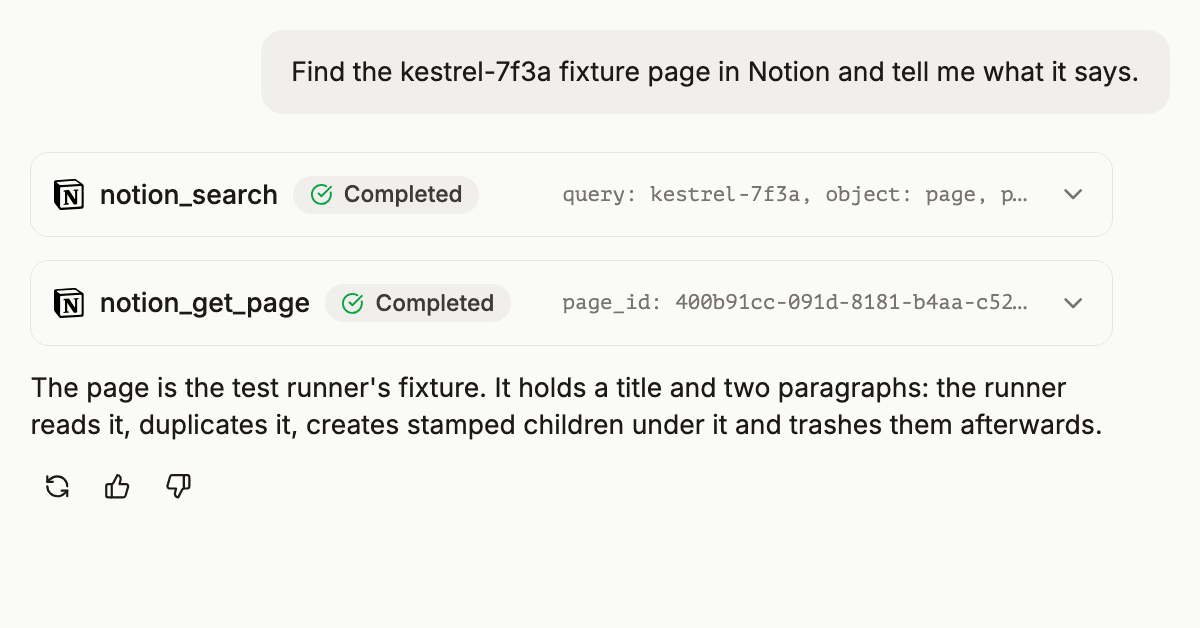
A customer asked for Notion in September. He already ran Gmail, Drive and Jira through DataToRAG and wanted the pages his team keeps in Notion in the same conversation, without a second connector doing its own thing. It is live today.
What it does
Connect Notion from the connections page. Notion asks which pages to share, and the connector sees those and their children, nothing else. You can share more later from a page's menu under Connections without reconnecting.
Reading. notion_search finds pages and databases by title. notion_get_page returns a page's properties as plain values and its content as markdown. notion_query_data_source filters, sorts and pages through a database, or runs one of its saved views. notion_get_comments and notion_list_users cover the rest of what a read needs.
Writing. Create pages and database rows, edit content in markdown, change properties, move, duplicate, trash and restore pages, write comments, create databases and views. In an Agent conversation every write asks for approval before it runs, the same as Gmail and Jira writes do; a skill you start runs its writes without stopping to ask.
Workspaces. Each Notion workspace is its own connected account. One Notion login that belongs to two workspaces becomes two accounts with the same email, so account takes the workspace name or id when the email alone is ambiguous, and an ambiguous value is refused with the choices listed. It is the same account argument the Google connector uses to pick between a work and a personal account in one conversation.
The full tool list, the limits and what is not possible are on the Notion docs page.
What it does not do
Notion's API searches titles, not page content, as of October 20, 2026. So notion_search matches titles only. To narrow rows by something other than a title, query the database with filters on its properties. Synced pages cannot be edited. A page that is not shared with the connection reads as not found, because Notion gives the same answer for both, and the connector says so and tells you how to share it.
The tool list, measured
Every tool a server advertises is read by the model on every turn, whether or not it is used. I measured the Notion tool lists on October 20, 2026 by connecting to each server and recording the tools/list response as compact JSON.
| server | tools | bytes, compact | approximate tokens |
|---|---|---|---|
| Notion's hosted MCP, everything it offers | 65 | 261,086 | 65,000 |
| Notion's hosted MCP, the tools that overlap ours | 23 | 163,240 | 40,800 |
| DataToRAG Notion connector | 18 | 26,843 | 6,700 |
Tokens are bytes divided by four. The hosted server's list includes eight Notion Calendar tools and a set of agent and session tools that have no equivalent here, which is part of why it is larger, and its single query-data-sources tool alone is 80,116 bytes because its description carries three query modes and the full filter grammar. Ours covers pages, databases, comments and people, which is what the customer asked for, and the whole list fits in the space one of those descriptions takes.
That matters because Notion is rarely the only server in a conversation. With Gmail, Drive, Jira and Notion all connected through DataToRAG, the combined tool list is what the agent pays for on every turn, and the gateway lists only the tools of the services you have connected.
What happened on the way
The connector ran against production for a day before this post with a test runner that exercises each tool as a connected user would: 14 Notion cases plus a contract probe per tool, all green on the run that cleared it. Two things from that day are worth knowing if you run Notion integrations yourself. Notion access tokens did not expire within a day of use, 48 calls at thirty-minute intervals all answered, so the connector stores no expiry and does not refresh them on a timer. And Notion's rate limit is about 180 requests a minute per workspace connection; when a read trips it and Notion asks for a short wait, the connector waits and tries again, otherwise it says how long to wait, and it never retries a write.
If something does not behave the way this post says, write to [email protected], and I will look at it.
Ready to connect your data to AI?
Give Claude write access to your Google Workspace. Start free, or talk to us about your setup.
Related articles
An agent with nothing connected can still answer you. It just can't do anything. We shipped the fix: it notices what's missing, asks for it in the conversation, and finishes the job once you connect.
Confluence Pages Are 40KB of Markup. Your AI Gets 2KB.Confluence storage format is verbose XML that destroys context windows. We convert it to clean text by default, with a format switch for when you need the raw markup back.
One Prompt, Two Inboxes: Multi-Account Support for MCPMost MCP servers assume one user means one account. We built multi-account support so you can query your work and personal Google accounts in the same conversation.