
Google Workspace
Gmail, Calendar, Drive, Docs, Sheets, Slides, Contacts, and Tasks through one MCP connector.
Google Workspace is DataToRAG's flagship connector. One OAuth flow gives your AI assistant access to all eight core services, with multi-account support and tools tuned for token efficiency.
Services
| Service | Summary |
|---|---|
| Gmail | Search, read, send, reply, forward, draft with Drive files attached, save attachments, and manage labels |
| Calendar | List, create, update, delete events, and check availability |
| Drive | Search files, read content, create folders, rename and copy files |
| Docs | Read, create, write, and batch update documents |
| Sheets | Read, create, update, append, and delete spreadsheets, and manage tabs |
| Slides | Read, create, batch update, and delete presentations |
| Contacts | Search, list, create, update, and delete contacts |
| Tasks | Manage task lists, create, update, complete, delete tasks |
Connecting
Sign in at datatorag.com/dashboard and click Connect on the Google Workspace card. The OAuth flow requests all required scopes in one step.
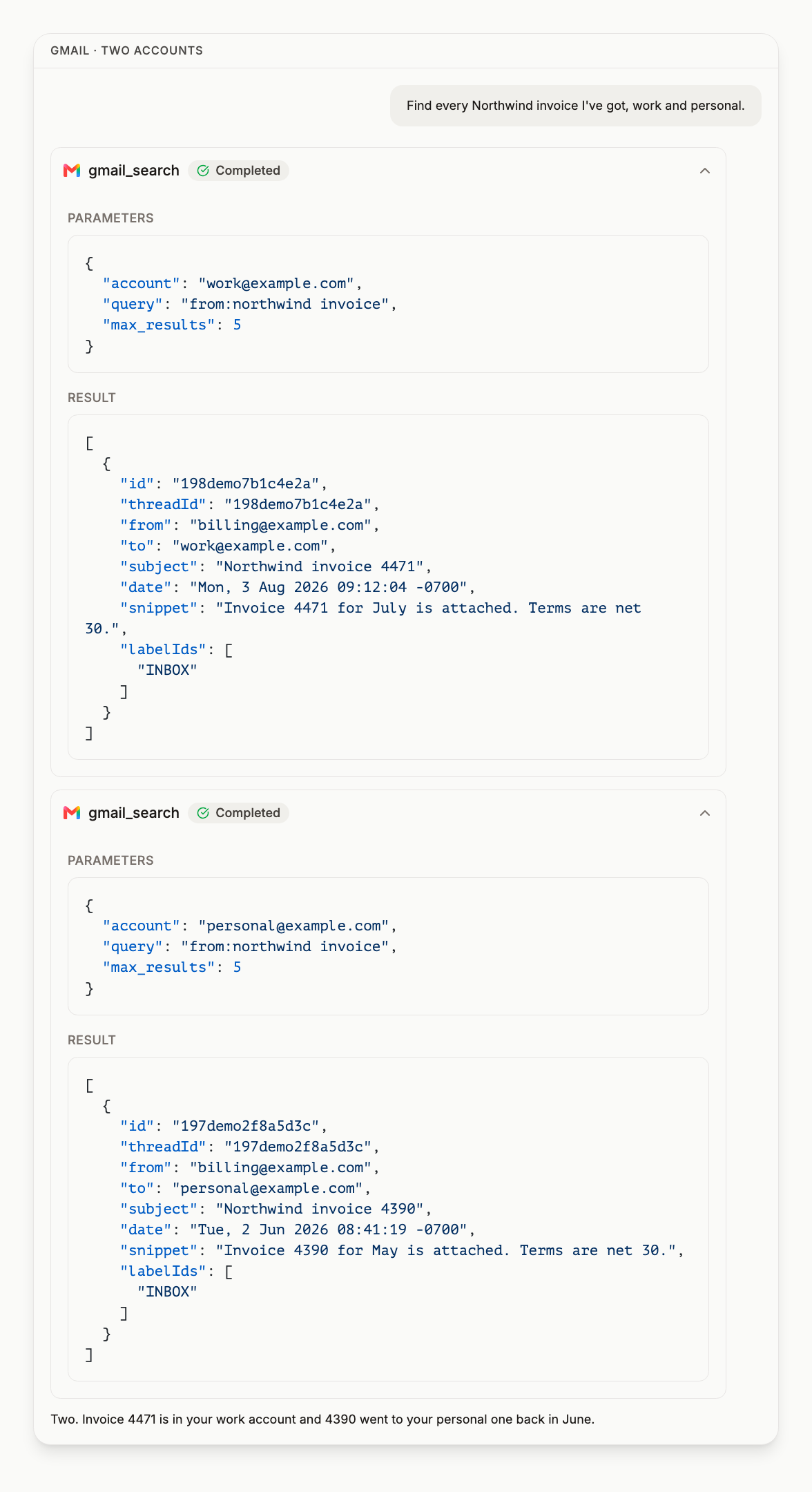
You can connect multiple Google accounts, including personal, work and shared inboxes, and your AI assistant can target a specific one or search across all of them.
Tools
Each service's page lists its operations, required scopes, and example prompts. The live count is on the pricing page, which reads it from the registry rather than restating it here, because a number written into a docs page is wrong the next time a tool ships.
Frequently asked questions
Which Google services can DataToRAG connect to? #
Do I need a separate connection for each Google service? #
Can I connect more than one Google account? #
Can DataToRAG send email, or only read it? #
Can DataToRAG edit Google Docs and Sheets, or only read them? #
How many tools does the Google Workspace connector have? #
Try this on your own account
Connect Google Workspace once and your assistant can run every tool on this page against your real data. Free to start, no card.
Get started freeBy continuing you agree to our Terms of Service and Privacy Policy.